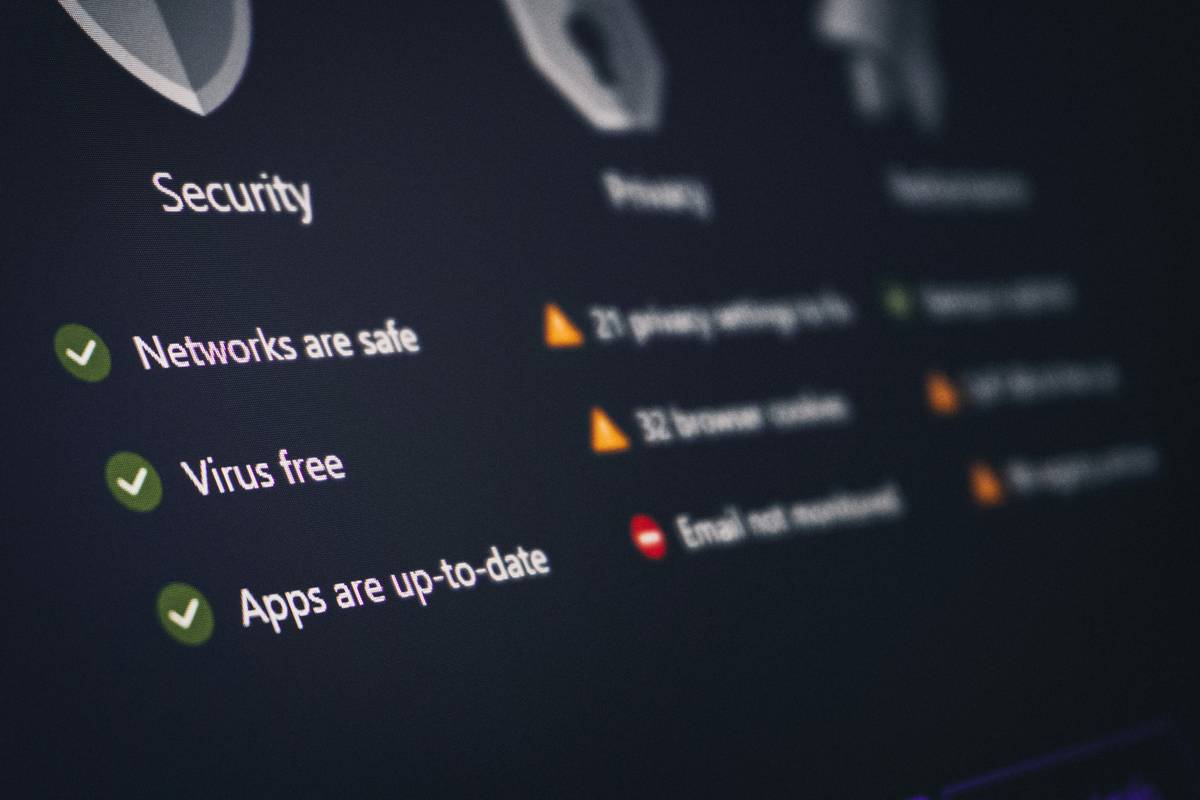
What happens when a school’s cloud folder full of student records gets accidentally shared with the public? It’s not hypothetical—it happened to a district in Texas last year, exposing thousands of sensitive files. For educators and IT leaders navigating online education, choosing the right cloud storage for schools isn’t just about convenience; it’s a compliance imperative. In this guide, you’ll learn how to secure your institution’s data while meeting FERPA, COPPA, and other regulatory demands—without drowning in jargon.
Table of Contents
- Why Cloud Storage Security Matters in Education
- Step-by-Step Guide to Securing Cloud Storage for Schools
- Best Practices for Maintaining Compliance
- Real-World Case Studies
- Frequently Asked Questions
Key Takeaways
- Misconfigured sharing settings are the #1 cause of data leaks in K–12 cloud environments.
- FERPA compliance requires strict access controls—default cloud settings rarely suffice.
- Multi-factor authentication (MFA) reduces breach risk by up to 99.9%, per Microsoft research.
- Regular audits and staff training prevent human error—the weakest link in security.
Why Cloud Storage Security Matters in Education
Online education has exploded, but many schools rush into cloud adoption without vetting security protocols. Student names, grades, IEPs, health records—these aren’t just files; they’re protected under federal law. According to the U.S. Department of Education, over 60% of FERPA violations stem from improper digital file sharing. And it’s not just fines: reputational damage erodes parent trust overnight.
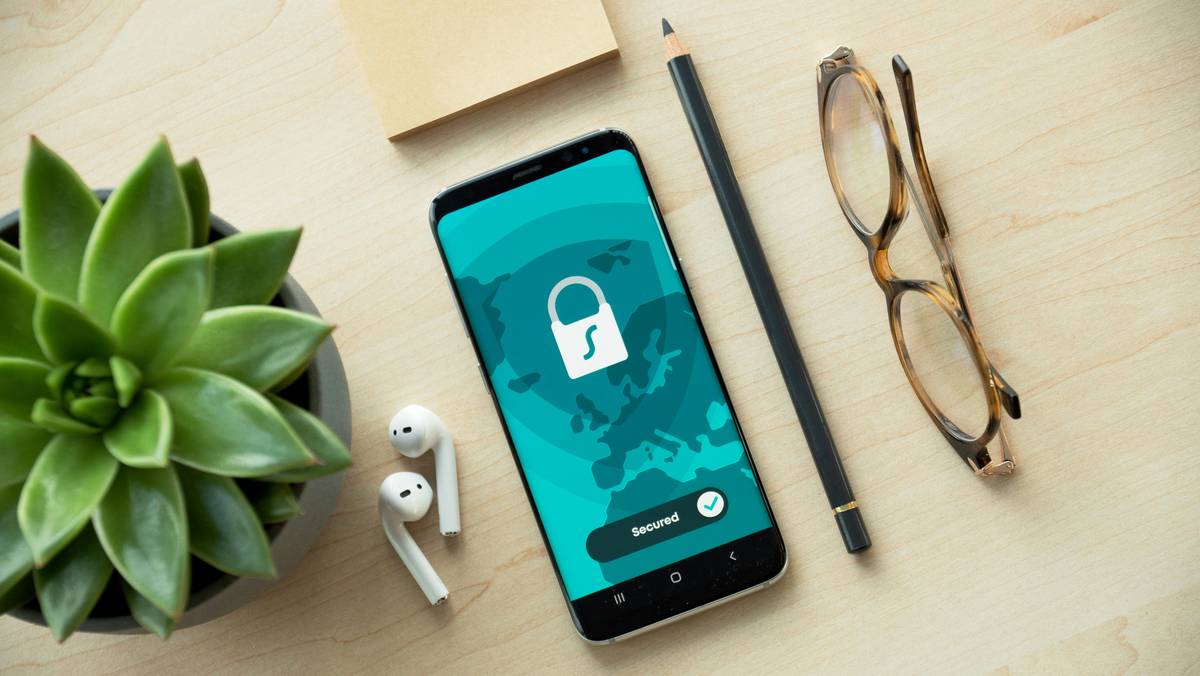
I learned this the hard way. Early in my career, I set up a shared drive for teacher lesson plans using a popular consumer-grade service. I assumed “team-only” sharing was enough. It wasn’t. A simple misclick exposed the folder publicly for three days before someone flagged it. No data was stolen, but the audit trail triggered a district-wide panic—and a mandatory retraining session. Lesson burned into memory: never assume default settings equal secure settings.
Step-by-Step Guide to Securing Cloud Storage for Schools
1. Choose an Education-First Platform
Avoid free consumer services (e.g., standard Google Drive or Dropbox). Instead, opt for platforms with built-in compliance—like Google Workspace for Education or Microsoft 365 A3/A5—which offer FERPA-aligned data processing agreements and advanced admin controls.
2. Enforce Multi-Factor Authentication (MFA)
MFA isn’t optional. Enable it for every staff account. Microsoft confirms MFA blocks 99.9% of account compromise attacks. Skip this step, and you’re leaving your front door open.
3. Configure Sharing Permissions Rigorously
Disable external sharing by default. Restrict link sharing to “specific people only.” Audit permissions monthly using built-in tools like Google Admin Console or Microsoft Defender for Office 365.
4. Classify and Encrypt Sensitive Data
Label folders containing student records as “Restricted.” Use native encryption (at rest and in transit) and consider third-party tools for added layers if handling highly sensitive info like health records.
5. Train Staff Regularly—Not Just Once
Run quarterly simulations: fake phishing emails, accidental sharing scenarios. Make it practical. Knowledge decays; reinforcement sticks.
Best Practices for Maintaining Compliance
- Never store passwords in cloud docs. Yes, it sounds obvious—but we’ve audited schools where admins kept master password lists in unsecured spreadsheets. Terrible tip: “Just use one strong password for everything.” That’s a recipe for catastrophe.
- Automate backups to a separate, encrypted location. Ransomware attacks on schools rose 75% in 2023 (CISA).
- Review vendor agreements annually. Ensure your privacy policy aligns with third-party terms.
- Limit admin privileges. Only grant super-user access to essential IT personnel.
Real-World Case Studies
In 2022, a mid-sized school district in Ohio migrated to a compliant cloud solution after a near-miss incident. By implementing MFA, disabling public links, and segmenting user roles, they reduced permission-related alerts by 92% within six months. Their secret? Treating cloud security like physical campus safety—continuous, proactive, and non-negotiable.
Conversely, a private academy that ignored configuration audits suffered a breach when a teacher shared a gradebook via a shortened URL. The file was indexed by search engines for weeks. The fallout included a $50,000 settlement and mandatory state oversight—a painful reminder that convenience never trumps compliance.
Frequently Asked Questions
Is Google Drive safe for storing student records?
Only if you use Google Workspace for Education Plus and enforce strict sharing policies. Standard Gmail-associated Drive accounts lack FERPA safeguards.
What’s the biggest mistake schools make with cloud storage?
Assuming “the cloud is secure by default.” It’s not. Misconfigured sharing settings cause most breaches—not hackers.
Do small schools need enterprise-grade security?
Absolutely. Attackers target institutions of all sizes. The U.S. Department of Education treats FERPA compliance uniformly, regardless of enrollment.
How often should we audit cloud permissions?
Monthly at minimum. Automated tools can flag anomalies, but human review catches context machines miss.
Can parents request copies of their child’s cloud-stored data?
Yes, under FERPA. Your system must allow secure, timely access—another reason to avoid chaotic folder structures.
Where can I get expert help setting this up?
Our team at VSAT World specializes in secure IT infrastructure for education. Learn more on our About Us page, then contact us for a tailored audit.
Securing your cloud storage for schools isn’t about fear—it’s about stewardship. Every file represents a student’s future, and your vigilance builds a culture where learning thrives safely. So lock those digital doors, train your team like guardians, and remember: the best cloud isn’t the shiniest—it’s the one that never lets data slip through the cracks.
Ready to fortify your school’s digital foundation? Reach out today.
Lock it down. Light the way.